
MILO PERSONALISATION
Job number: 7701
RUN SHEET
Equipment Check
1x sampling table (white top) with aluminium frame ands Alloy Polls
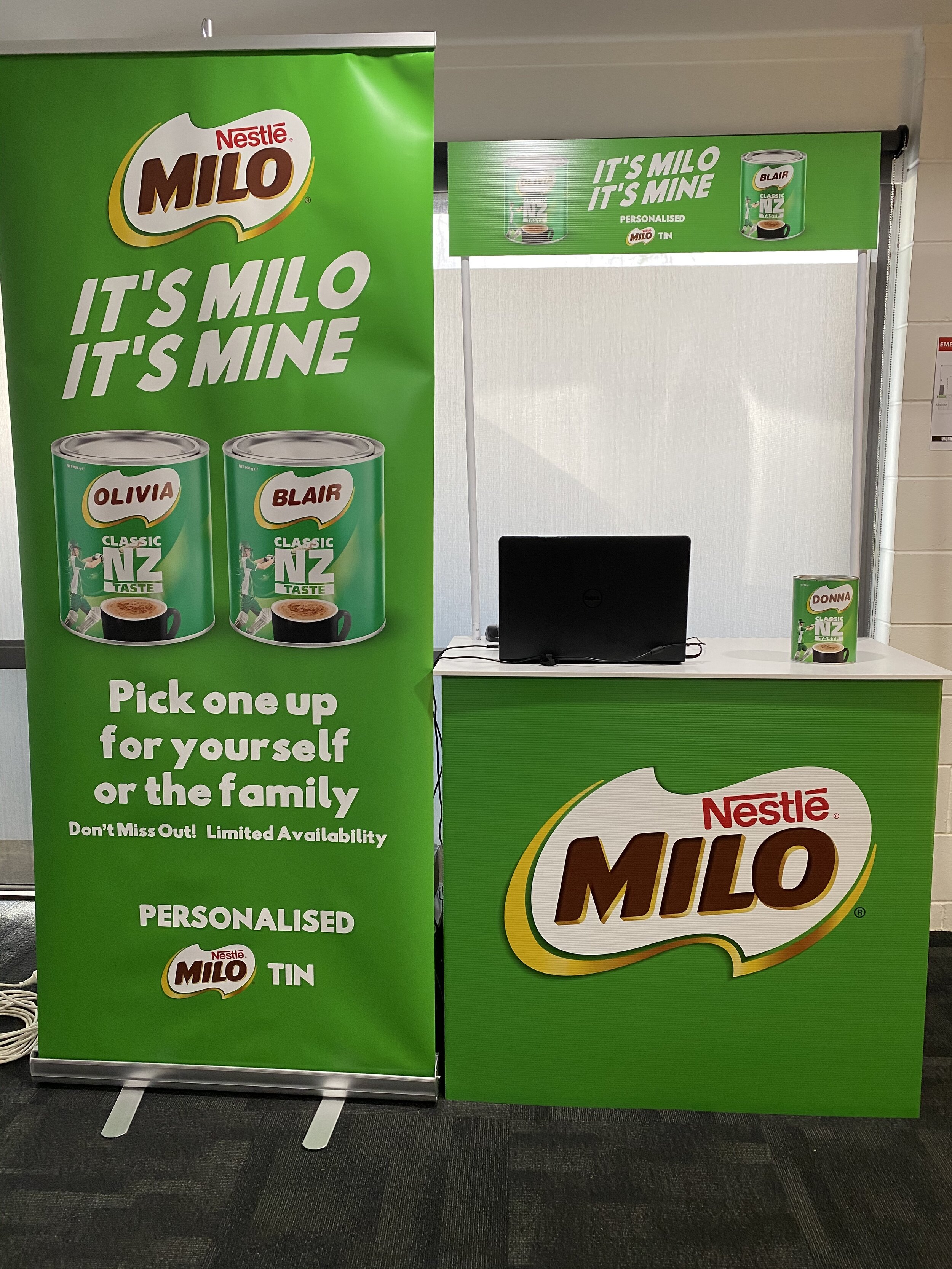
1x MILO table wrap (corflute) and Header Card
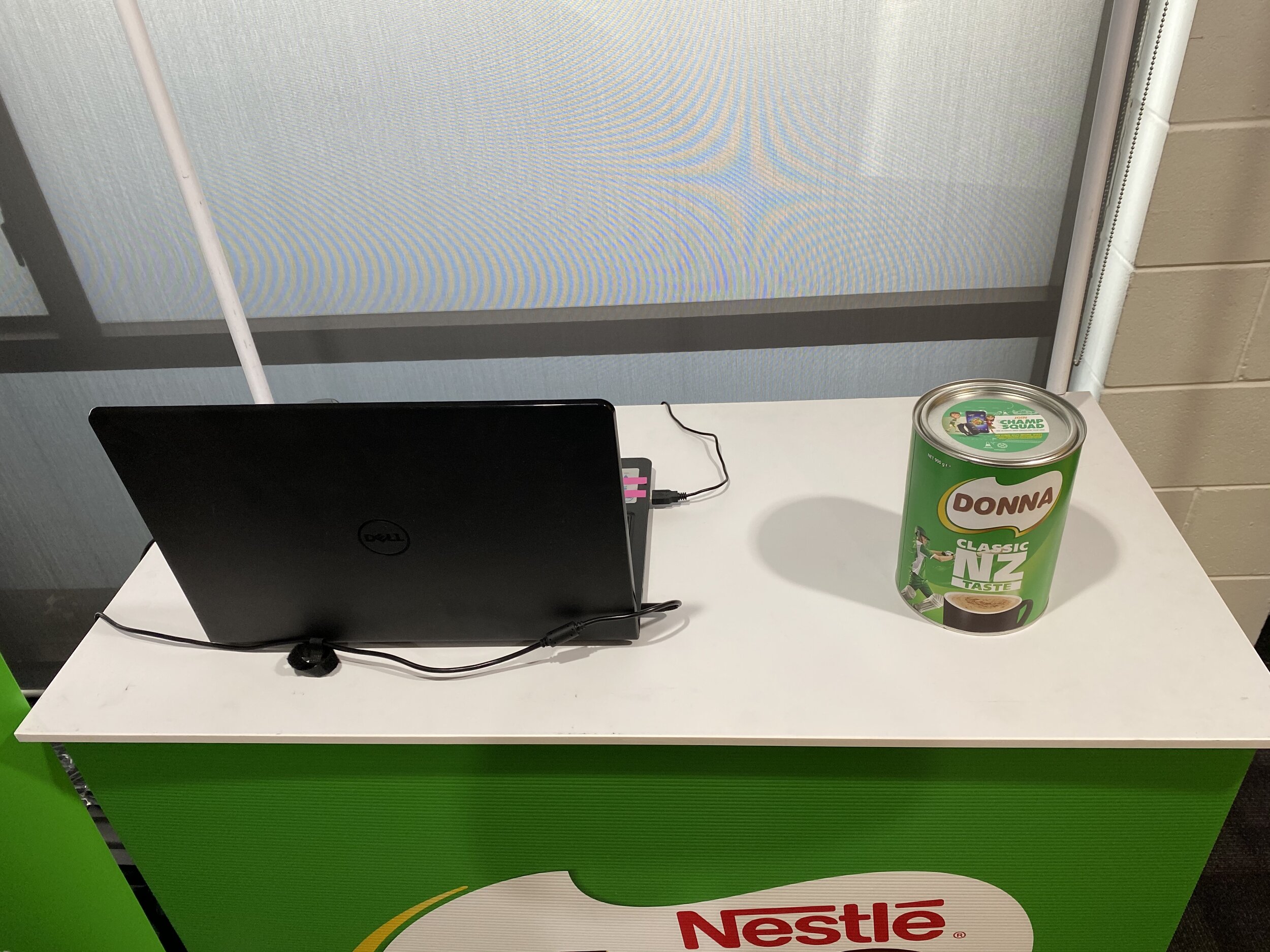
1x HP Laptop, 1x Mouse, 1x Printer cable (connect laptop to printer)
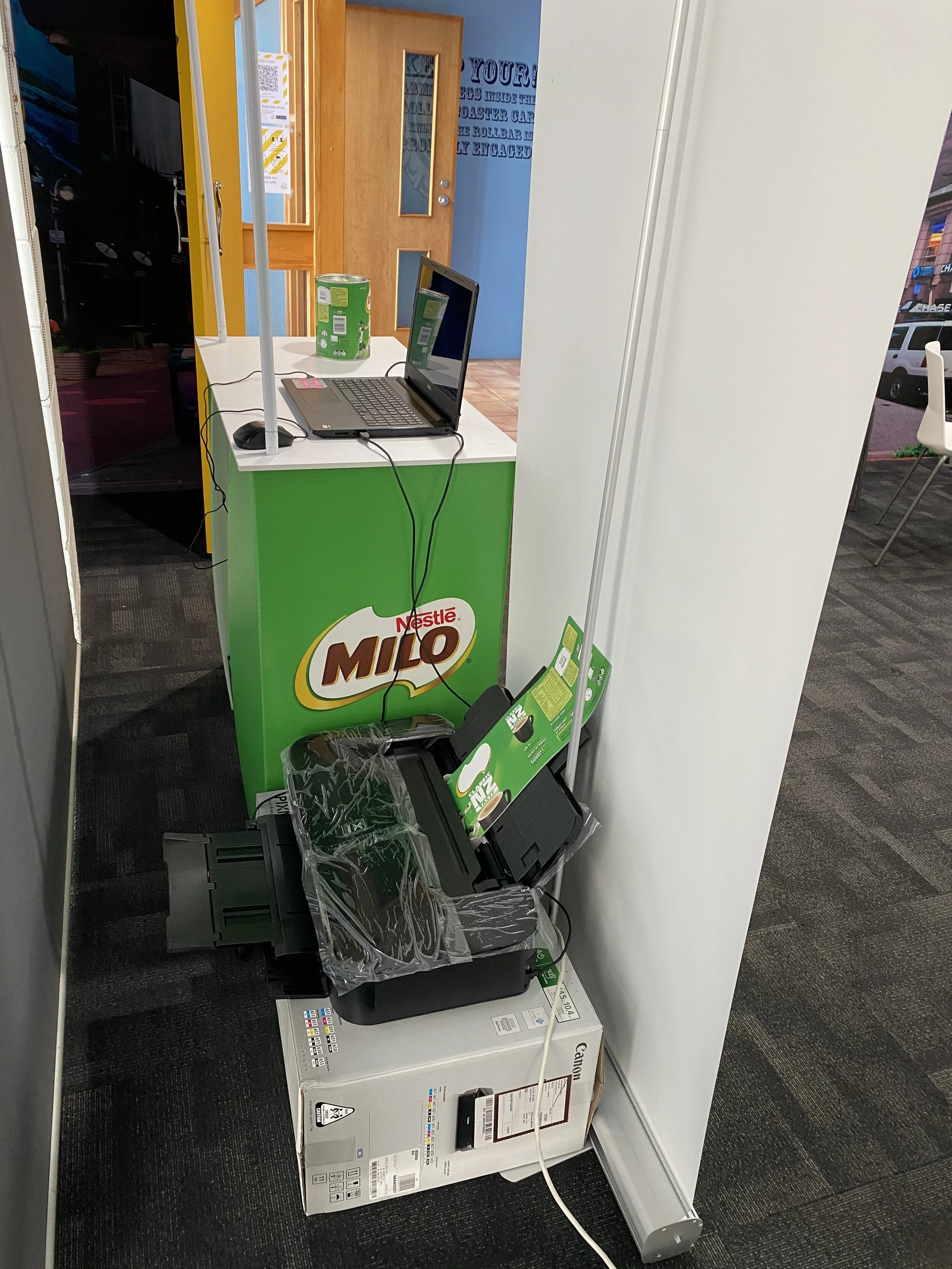
1x Canon A3 Inkjet Printer (with extra set of colour cartridges. You should not need these but contact us if you use them so we can restock)
1x MILO pull up banner
200 x preprinted tin wraps with tape attached
1x A4 Terms & Conditions standee
Personalisation Order Forms (where customers write their name to be personalised)
Pens
Extension Cord and Double adapter
UNIFORMS
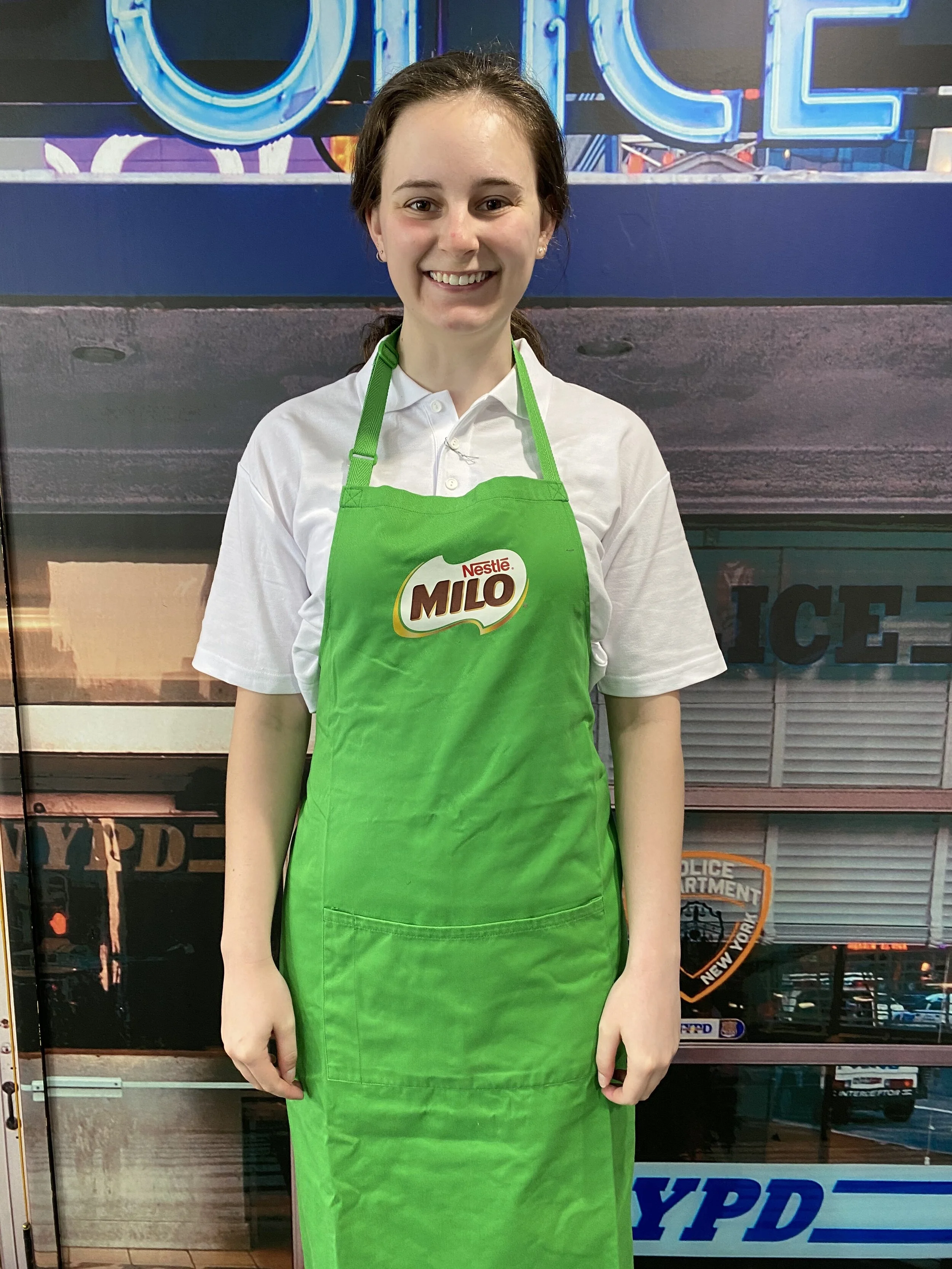
1x White Polo shirt and 1x MILO branded apron
Black dress pants/black tidy jeans (not washed out/faded)/black dress shoes or plain black casual shoes – you are to provide these
Prior to Activation
Read through any special reporting requirements studio23.work
Non Negotiable's studio23.work
Health and Safety studio23.work
Check you have all of the above items in the EQUIPMENT Sheet
Ensure you are dressed in the required uniform - Your own black shoes (closed toe), black dress trousers/jeans. If you are cold please wear a long sleeve white thermal under the shirt. Hair must be tied up and minimal make-up to be worn ( Refer to the Studio23 Non Negotiables)
Check on Parim where the store location is
At the store
Check into Parim (on your mobile phone)
Go to Checkout control
Ask for the Duty Manager or the store contact given to you and sign in the visitors book if the store has one
The Duty Manager will show you where you can set up your table (this will ideally be either next to a MILO display or in a visible position at front of store)
Mechanics of Preparation
Set up the table as per the photo provided. The printer will sit underneath or behind the banner, and feed the cable through the hole in the table top. Ensure that all cords are kept under the table. The reams of paper and any other materials can also be kept underneath the table.
The Laptop, A4 Terms & Conditions standee will sit on top of the table, order forms and pens. You will need to ensure that the top of your table is clean and tidy at all times
Have an example of a personalised MILO 900gm tin on display so customers can see what it looks like - take a tin off the shelf and place your sample wrap around it. At the end of the day rip the wrap off the tin and place the store tin back on the store shelf
Invite consumers to get a MILO 900gm tin and ask them if they would like to personalise it
NB: Consumer will personalise their MILO tin THEN take it to checkouts and pay for it.
If the consumer chooses to wait for their personalisation, then you can engage with them in conversation around what is required for your reports. Refer to your report for conversation points.
Take a note of how many MILO 900gm tins are sold and note this on your report at the end of your shift.
When you are all set up please take a photo of the set up and then get a staff member to take a photo of you both by the stand. This is to be sent to me first thing in the morning, before you start your first print. Also the person not doing the computer can you please take 2 interactive photos i.e the shoppers with their personalised tin. These are to be text to me at the end of the day - 021 612 349
After your shift
Pack up all your equipment
Sign out of Parim
Make sure your report is sent electronically through the Studio23 Staff Portal after your demo studio23.work
This must be done on the same day as the demonstration
Enter your hours using your mystaff login details CLICK HERE mystaff.login
Return Freight
In organising the return freight, please ensure that you package the table up and sampling equipment in the boxes. Ring/Email warehouse@studio23.co.nz and we will organise pick up and advise you of instructions for collection of the gear. In some of the boxes, there will be Courier Return Tickets. Make sure you put a sticker on each item, and the courier will be booked to pick this up from your home on Monday morning (following the activation). This is important as we need to move gear for the next assignments and cannot have delays
PLEASE READ THE ATTACHED REPORT SO YOU KNOW WHICH INFORMATION IS REQUIRED TO BE RECORDED AT THE STORE
Please fill in you report here
https://www.surveymonkey.com/r/MILOTIN